
Security Solutions
Learn about digital security, device protection and safer computing practices.
READ MOREReliable printer setup, troubleshooting and technical support to keep your work running smoothly.
Choose your printer brand and get started in just a few simple steps.
Get your printer ready to print with a simple setup process.
START NOW →Connect your printer and get everything ready for printing.
START NOW →Follow the setup steps to get your printer working smoothly.
START NOW →Set up your printer for a smooth and hassle-free experience.
START NOW →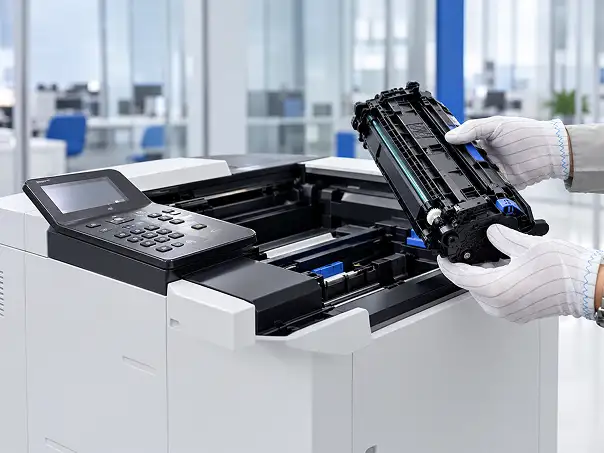
Solutions that work for you
We help home users and businesses resolve common printer problems with simple setup guidance, troubleshooting assistance and practical technical solutions.
From connectivity issues to installation and printing errors, our goal is to make your printing experience easier, faster and more reliable.
Experience a simpler approach to printer support. Whether you're setting up a new printer, fixing connection problems or resolving print errors, explore practical solutions designed around your needs.
Our service categories cover printer installation, wireless connectivity, software guidance and website integrations. Find the information you need and get back to printing with greater confidence.
Discover Our ServicesExplore technology and printing services designed to support your everyday workflow.
Learn about digital security, device protection and safer computing practices.
READ MORE
Explore printer setup, connection troubleshooting and common printing fixes.
READ MORE
Create a more connected digital experience with useful website integrations.
READ MORE
A: Setting up a printer is a straightforward process if you have some knowledge about printing devices. But if you're a newbie with a printer, then be careful, as a single misstep can make your printer out of order.
A: There are many reasons for a printer not working, including Outdated printer drivers, incorrect configuration, empty ink cartridges, wifi error, driver error, etc. Let our professionals help you get the best results with your printer.
A: Sometimes, when we change the ink cartridge or refill it, the printer still reads it as an empty cartridge, or sometimes, it doesn't even recognize the new ink cartridge. You can try resetting your printer cartridge settings or reinstalling your printer's ink cartridge.